
Pick a template — skip the prompt writing
Pick an effect, upload your photo, and the built-in recipe does the rest. Same photo, far more reliable results.
You have been writing prompts by hand. Templates skip all of that — pick a card below, upload your photo, and get the same scene in one click.

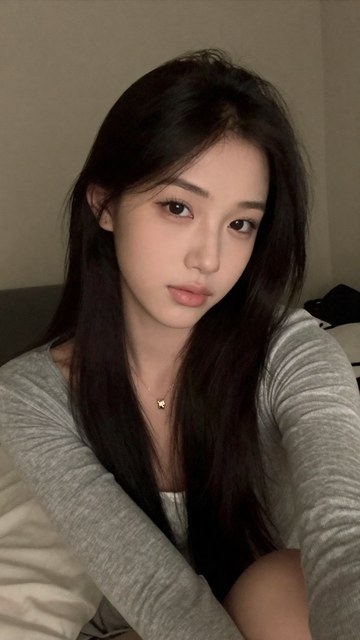 NEW IMAGE
⚡ Generate
Legs Spread, Fingering
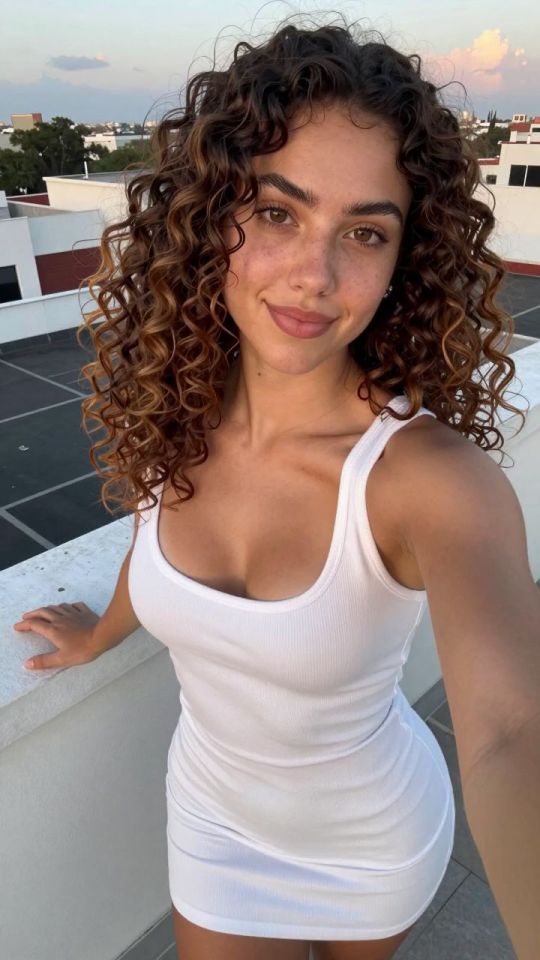
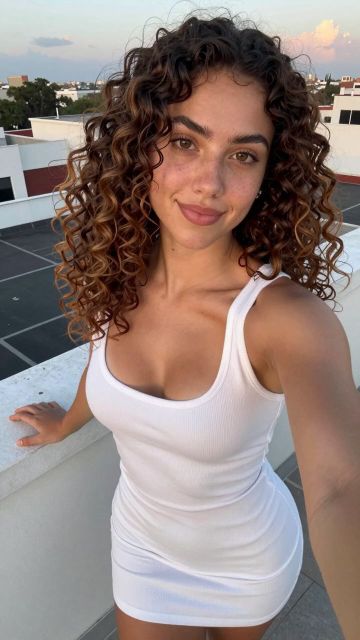 IMAGE
⚡ Generate
Dildo on Her Ass
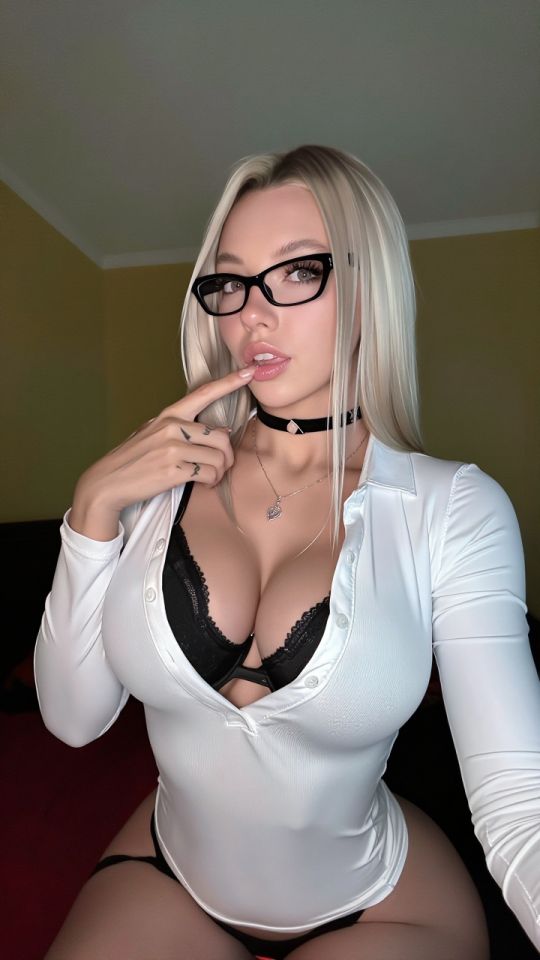
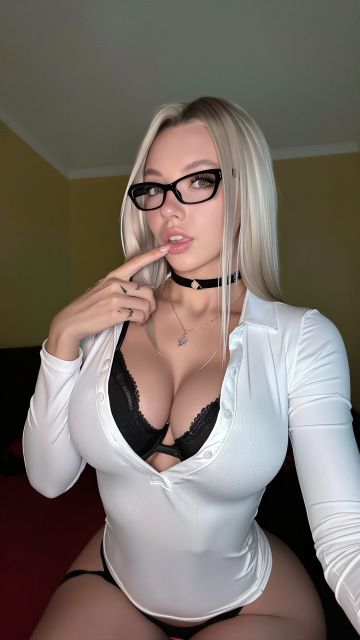 5s
⚡ Generate
Deepthroat

 5s
⚡ Generate
Lick and Handjob

 NEW IMAGE
⚡ Generate
Tits Out

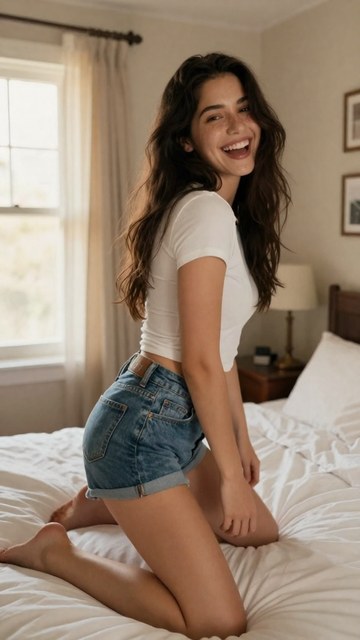 NEW IMAGE
⚡ Generate
Cowgirl
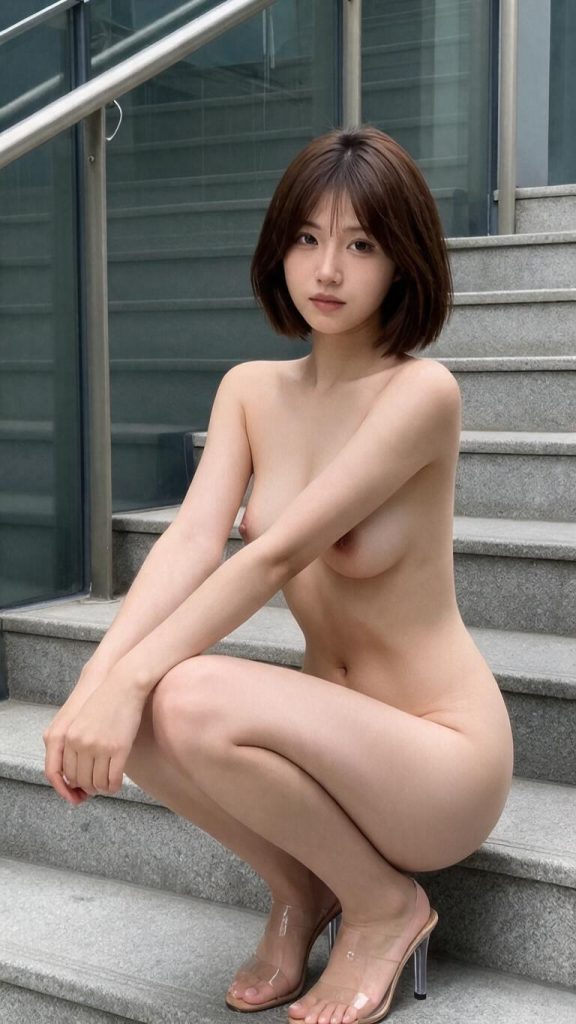
 NEW IMAGE
⚡ Generate
Crouching by the Stairs
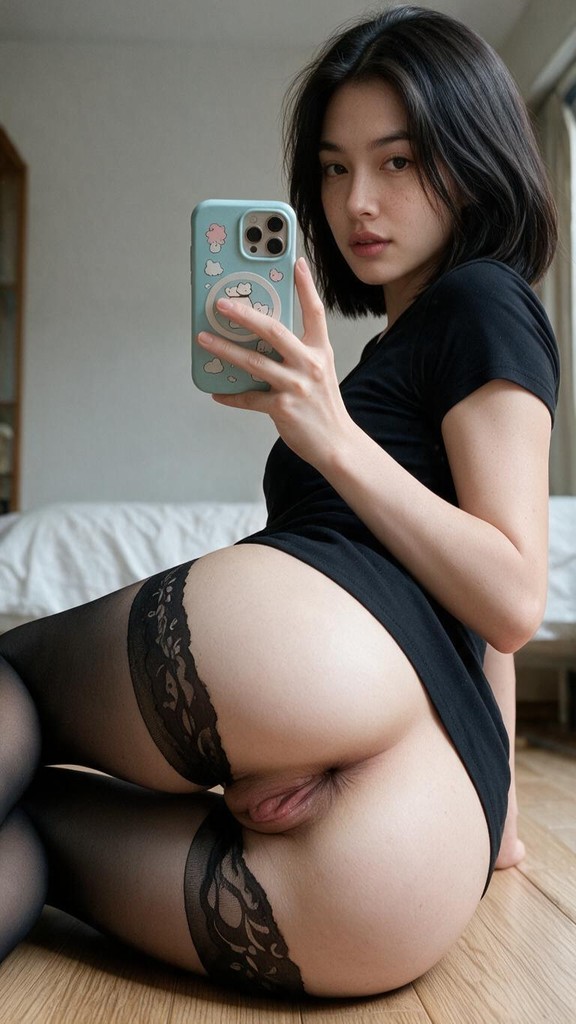
 NEW IMAGE
⚡ Generate
She Poses for Selfie
 5s
⚡ Generate
Hard Doggy Fuck
 NEW IMAGE
⚡ Generate
She Sits on Him
 5s
⚡ Generate
Fucked on the Leather Couch
 NEW IMAGE
⚡ Generate
Gets Rough Doggystyle
Same clip, same motion, a different face.
Scene one: the clip that is right except for the face
You have a clip. Motion right. Body right. Light right. Face wrong. Reshooting the whole clip for a face is the expensive way out. Video costs more per take than a still, and the new clip moves differently regardless. The video face swap is the cheap fix. Upload the clip, add the face photograph, and the new face trails the head through every frame — turning as it turns, tilting as it tilts, wearing the expression the clip already had. A single video swap opens at 31 credits for clips up to 3 seconds. The clip returns with its motion untouched. That is the department's best use — its reason to exist. A finished clip should never be thrown away for a face.
Scene two: one face across the whole series
Different faces across a set mean a set of strangers. One face across the set means a series with a star. Building a sequence — one performer across several clips, a template scene run in video more than once? The video face swap holds the identity steady while the scenes change. Use one face photograph across every clip, and the set reads as a single performer in several moments — not several people in similar rooms. The trick: one face photograph for the whole set, never a different portrait per clip. One source, one identity. The eye prizes consistency over perfection. Check the first swapped clip before the rest. A good angle match in one means a good match in all — the source never changed.
Scene three: the dialogue scene
Dialogue is the quiet test of a video swap. Two performers talking means small head movements, nods, glances away and back — none of them dramatic, all of them constant. A still swap must be right a single time. A video swap must be right in every frame — half-turns mid-sentence included. It manages this by trailing the head, not pasting a face. The swapped face refits itself frame by frame — angle, expression, lighting — narrowing as the head turns, widening as it returns. Give it the best chance. A face photograph near the clip's opening angle, well lit, sharp. Clips opening front-facing want a front-facing portrait. Safest source there is. A three-quarter portrait suits a clip opening in three-quarter.
Scene four: the dance
Fast movement is the hard test. Hair whipping across the face. Hands over the mouth. Heads exiting the frame and returning. The swap softens there first — least face to hold onto. Short clips, slow steady head movement: clean swaps. Long clips with wild movement do not swap cleanly, and no setting changes that. Geometry of motion, not a quality slider. Before paying, watch the clip once. Count the frames where the face shows. Visible in most of them? Swap. Visible in almost none? No swap fixes that clip. Pick another clip, or another moment in the same one.
The turn: where every swap is tested
The turn tests every video swap hardest. The head rotates away and returns, and the face must stay attached through the whole arc. Mid-turn shows the least face. Least to track. Slow turns hold. Fast ones slip. A face photograph near the opening frame's angle holds better than a distant one. A head turning far — past profile, toward the back — leaves the middle frames softest. Least face to track there. A bad wobble blames the clip's movement, not the swap. Shorten the turn in the source clip, or pick a clip whose head stays closer to the camera, and the swap holds.
The casting call: one face, one set
A series lives on its star. Pick the face photograph once, then use that very same file for every clip in the set — never a fresh portrait per clip, never a crop from a different shoot. The same file means the same cheekbones, the same brow, the same jaw, take after take. When the first swapped clip comes back, study it frame by frame before spending on the rest: the opening frame, the middle of the turn, the final frame. A match that holds in all three holds everywhere. A match that slips in the middle will slip in every clip, because the source never changes. Fix the source once, and the whole series follows.
How this department compares
| Starting point | Department | What survives | What changes |
|---|---|---|---|
| A finished clip, wrong face | Video Face Swap (this page) | Motion, body, set, timing | The face, in every frame |
| A finished still, wrong face | AI Face Swap | Pose, set, expression | The face, once |
| Words only, no clip | AI Porn Video Generator | Nothing yet — it is all new | Scene and motion are built together |
| A clip with a wrong detail | Reshoot, or edit the still then animate | Depends on the fix | The detail, or the whole clip |
| A soft or small finished clip | AI Video Upscaler | Motion and composition | Sharpness, frame by frame |
The table runs on a single rule: want to keep more of the clip? Begin with the clip. A video face swap holds everything except the face. Reshooting from text keeps nothing. The swap stays the careful move. Careful fits a clip already good.
Limits and boundaries
The swap trails a head; it never rebuilds one. Fast head movements, hair across the face, hands over the mouth, heads exiting and returning — hardest moments, softest results. The exact figure sits beside the generate button. A video swap runs 31 credits for clips up to 3 seconds, 51 for 5 seconds, 10 more per extra second. Failed generations hand their credits back on their own. You buy packs once — no subscription. Bigger packs pay out their credits across the months, following the timetable on the pack page.
Studio-wide house rules apply, strictest here — a face is an identity. Never swap in a real person's face without their consent. Never anything involving minors. The studio admits adults only; everyone on screen is an invented adult. Your shoots stay private unless you premiere them. Uploads never train models. And what you make is yours to sell, inside the house rules. The Terms of Service carry the full wording.
Questions, answered
What do I upload?
A short clip, scene and motion you want to keep, plus one face photograph. Clean, well lit, near the clip's opening angle. The clip should be short; the department swaps faces, it does not edit length.
Why does the face wobble mid-turn?
Mid-turn shows the least face. Least to track. Slow turns hold. Fast ones slip. A face photograph near the opening frame's angle holds better than a distant one. A bad wobble blames the clip's movement, not the swap.
Does the expression change?
No. The clip keeps expression and motion. The new face wears both. A calm face photograph swaps best: it never fights the expression the clip already has.
Can I swap one face into several clips?
Yes — use the same face photograph across the set. One source, one identity, one performer. Check the first swapped clip before the rest.
Is the result private?
Yes, by default. Generations and uploads stay private until you premiere something. Nothing you upload trains a model.